by

Running a building with spreadsheets, logbooks, and scattered group chats feels "good enough" — until one day complaints get mixed up, invoices get missed, and tenant data disappears somewhere. That's the point when many managers start considering property management software.
But before switching, almost every manager asks the same questions. Here are honest answers to eight of them.
1. Is digital software suitable for small buildings?
Yes, as long as your building has things to manage: tenants, billing, reports, and schedules. Smaller buildings actually benefit more in relative terms, because their teams are small — every hour lost to administrative work hurts more. The right system scales to you; you don't have to use every feature from day one.
2. How long does data migration from spreadsheets take?
It depends on data volume, but it's usually faster than people expect. Tenant, unit, and outstanding billing data for a mid-sized building typically migrates in days, not weeks or months. The key: start with the data you use most, rather than trying to move every archive at once.
3. What if my staff isn't tech-savvy?
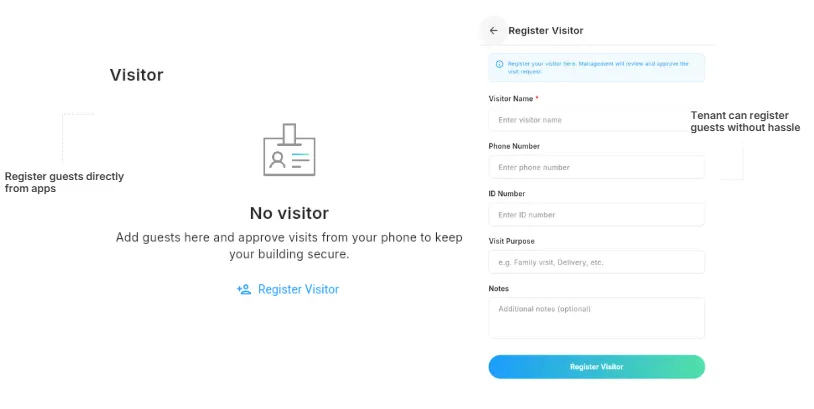
This is the most common concern — and the answer is: modern systems are designed for non-technical users. A security officer who logs guests in a paper book doesn't need months of training to use a digital visitor log app. What matters more is clear internal flow about who does what, not the staff's technical sophistication.
4. Do tenants have to install an app?
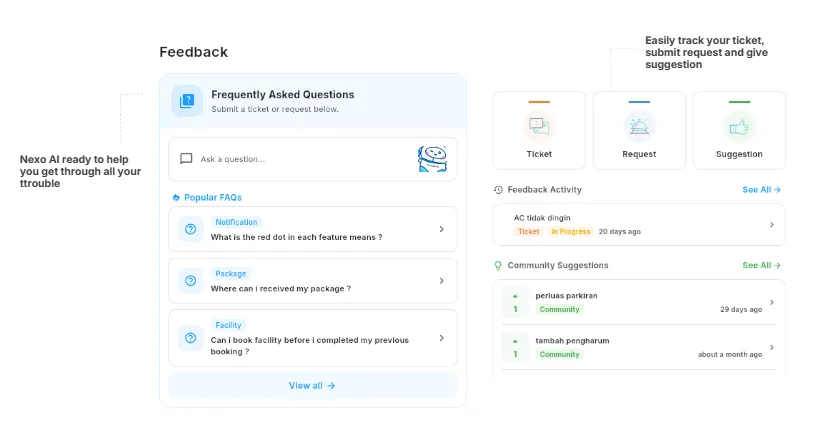
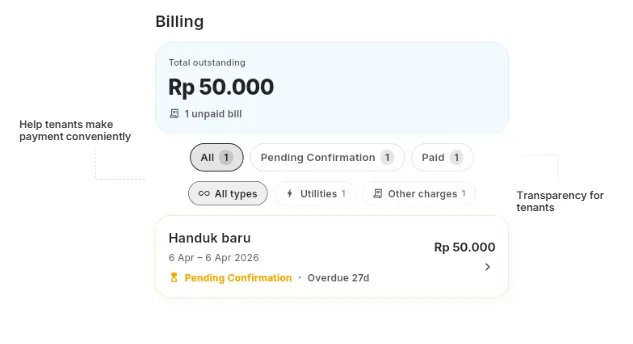
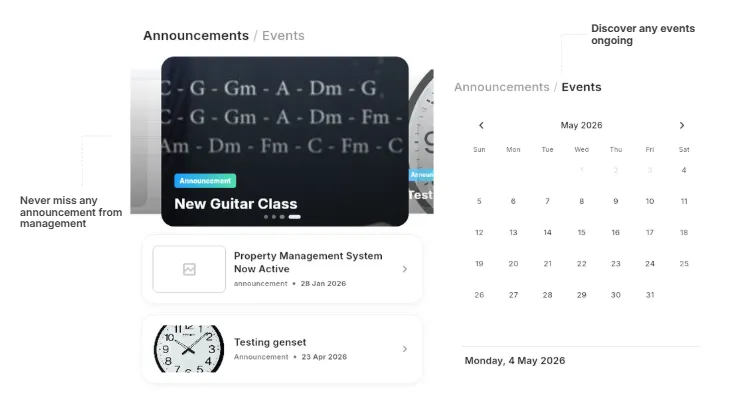
Usually yes, and that's actually an advantage: tenants can access bills, report issues, and receive announcements directly from their own phones. User reviews on platforms like Capterra show this category growing steadily in recent years, in line with tenants' increasing reliance on their phones.
5. How secure is tenant data?
This is a question you should ask back to every vendor. Minimum questions: is data access limited by role? Is there a trail of who accessed what data? Does the vendor understand Indonesia's personal data protection obligations? With the country's data protection law in force, tenant data security is no longer a premium feature — it's a legal requirement.
6. Can it handle more than one building?
Most modern systems are designed multi-building. Even managers running several buildings with different processes can configure those differences within one system — no more separate spreadsheets per building. This is often the main migration reason: one standard across all properties.
7. Will software replace my team?
No — software replaces repetitive work, not people. Automatically sent invoices replace administrative hours, not administrative staff. And with routine work reduced, your team gains time for what has been neglected: following up complaints, preventive inspections, and tenant communication.
8. How do I calculate the ROI?
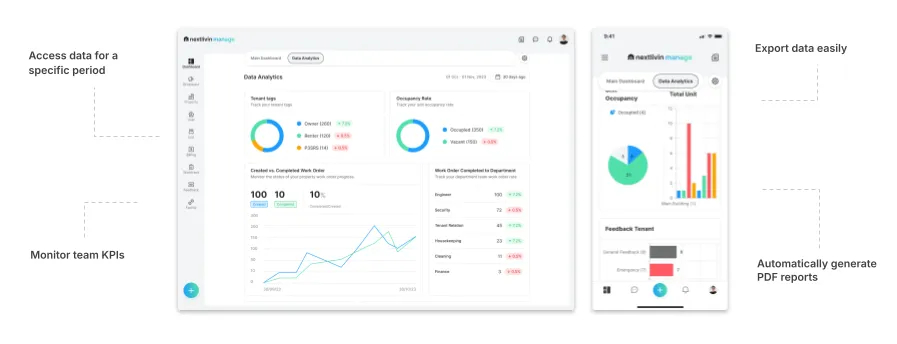
Simple: add up measurable costs — hours spent on administrative work, repeated complaints from miscommunication, late-sent invoices — and compare them to the subscription cost. Most managers find the break-even point comes sooner than expected, mainly because time savings often go uncounted at the start.
Conclusion
Doubt before switching is healthy — it's a sign you're serious. What's not healthy is staying for years with a system that clearly makes your team work slower than it should. Start with one small step: see how Nextlivin helps building teams manage daily operations, and decide whether your building is ready to work in a tidier way.